
Readability of Fonts: How to Choose and Set Type That Readers Actually Enjoy in 2026
Why the Readability of Fonts Makes or Breaks Your Book
If you've ever put down a book because it felt tiring to read, there's a good chance the font was at least partly to blame. Poor font choices are one of the top reasons self-published books attract negative reviews mentioning that they "feel unprofessional" or are "hard to read," and it's one of the most fixable problems an indie author faces.
Before going further, it helps to separate two related terms. Legibility refers to how easily a reader can distinguish individual characters from one another. Readability, on the other hand, refers to how comfortably a reader can process extended passages of text. Both matter for books, and they don't always point to the same solution.
For printed book interiors, serif fonts such as Garamond, Caslon, and Palatino remain the industry standard for body text. The Print Authority explains that the fine details in serif letterforms help guide the eye along a line, reducing the cognitive load of long reading sessions. Google Fonts' readability and accessibility resource reinforces that typeface category is only one variable in a larger system.
That system also includes point size, line spacing, line length, and paragraph treatment. A readable font at the wrong size, or with incorrect leading, is still unreadable. The readability of fonts in books depends on typeface category, point size, line spacing, and the format (print vs. digital), and serif fonts at 10–12pt with 120–145% leading are the accepted standard for printed body text.

This guide walks through all of those variables in order, covering font selection, sizing, spacing, format-specific differences, and accessibility, so your finished book looks as polished as any traditionally published title. For a deeper look at which typefaces publishing professionals actually use, the What Font is Used for Books guide is a useful companion, and The History of Typography provides the context behind why these conventions developed in the first place.
What You Need to Know Before Choosing a Font for Your Book
The single most important thing to establish before selecting a font is your output format. Print-on-demand (POD), offset printing, and ebook each render type differently, and a font that performs beautifully in one format can fail in another.
For printed book interiors, serif fonts remain the standard
Garamond, Caslon, Minion Pro, and Palatino are the most frequently recommended because their serifs create a horizontal reading rhythm that reduces eye fatigue across long passages. The Print Authority's expert roundup consistently surfaces these same names, and you'll find them recommended in typography communities like this Reddit thread on fonts designed for easy reading as well.
Digital formats are more nuanced
Sans-serif and semi-serif fonts such as Georgia, Open Sans, and Lato tend to perform well on lower-resolution screens because their simpler letterforms don't rely on fine detail that screens can drop. A 2015 study published in PMC found no definitive evidence that serifs universally improve readability, but the broader typographic industry still favours serifs for long-form print, largely because of reader familiarity built up over centuries of convention.
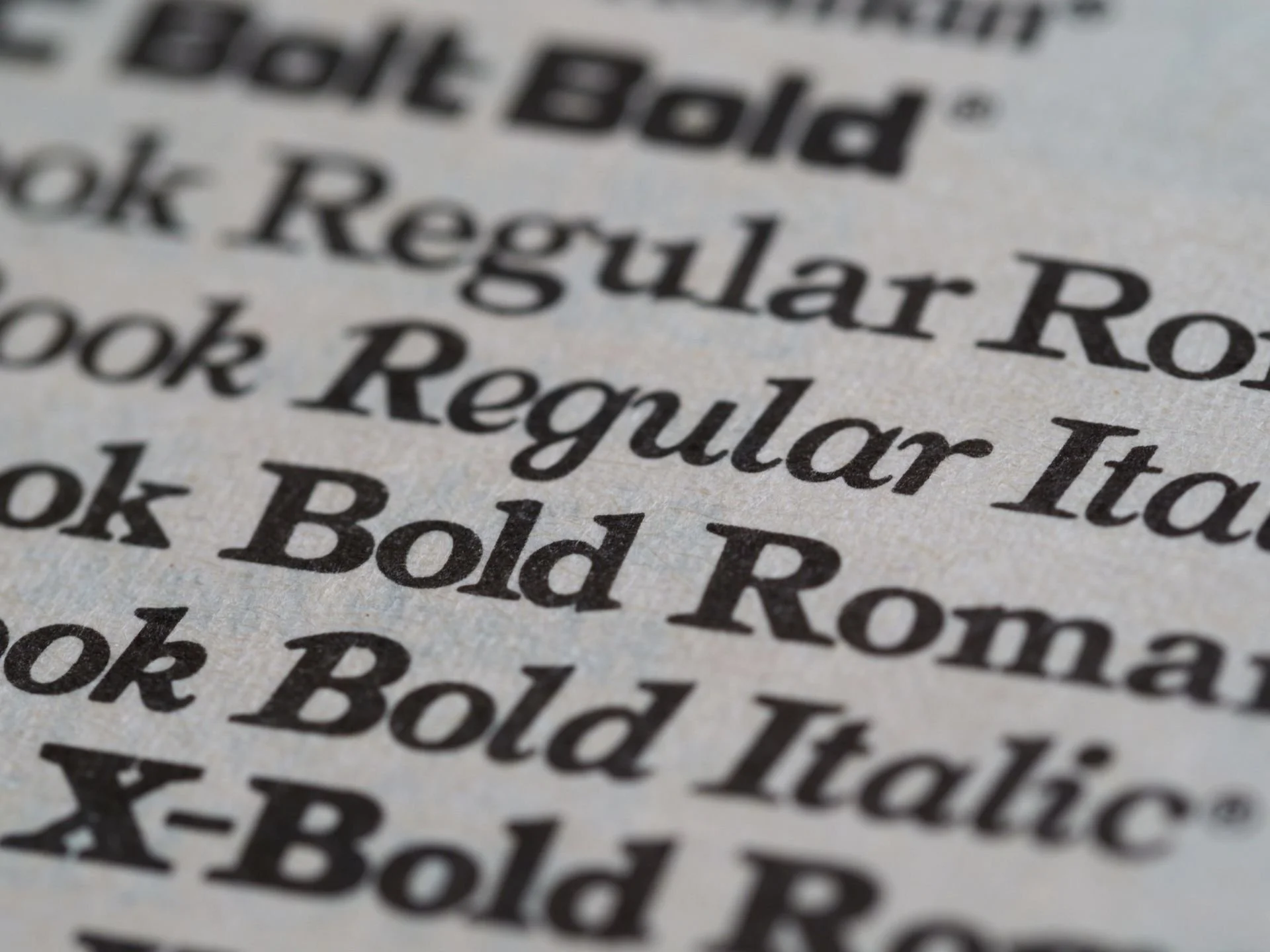
Don’t forget about font licensing
Not every font available online can be legally embedded in a commercial ebook or PDF. Before committing to a typeface, verify its license covers commercial use and ebook embedding. A font swap late in production is expensive and disruptive.
Massimo Vignelli, one of the most influential designers of the twentieth century, argued that a serious designer needs only a small set of typefaces to solve virtually any typographic problem. His working list included Garamond, Bodoni, Century Expanded, and Helvetica. The Evergreen Fonts post on Vignelli's wisdom expands on why that philosophy still holds in 2026.
Similarly, Jan Tschichold's typographic rules, developed for Penguin Books in the 1940s, remain a foundational reference for how professional typesetters approach font selection and spacing. Jan Tschichold's timeless rules for self-publishers is worth reading before you open any layout application.
How to Improve Font Readability in Your Book: Step-by-Step
The following eight steps address every major typographic variable that affects how readers experience your book's text. Work through them in order, since each decision informs the next.
Step 1: Choose a Proven Body Text Font
For print, start with Garamond, Caslon, Palatino, Minion Pro, or Baskerville. These are the workhorses of book typography because they were designed specifically for long-form reading, not screen display or signage. For ebooks, Georgia, Bookerly, or a clean humanist sans-serif like Lato at a slightly larger default size are reliable choices. The Print Authority's guide to the best fonts for reading breaks down each option's strengths clearly.
Avoid Times New Roman. It was designed for newspaper columns at small sizes, and publishing professionals read it as a formatting placeholder rather than a deliberate design decision. It's one of the clearest signals that a book hasn't been professionally typeset.
Step 2: Set the Correct Point Size
For print, body text generally sits between 10pt and 12pt, but the right number depends on the typeface's x-height. Palatino has a tall x-height and reads well at 10pt; a typeface with a shorter x-height may need 11pt or 12pt to feel comfortable at arm's length. For ebooks, set your stylesheet baseline at 12–14pt. Readers using reflowable formats can adjust size themselves, but your default shapes the experience for anyone reading in a fixed-layout format.
Step 3: Dial in Your Leading
Leading (line spacing) is the vertical distance between lines of text. For print body text, the industry standard is 120–145% of the point size. An 11pt font should sit on a 13–14pt baseline grid. Too tight and adjacent lines blur together; too loose and the page feels disconnected. Google Fonts' readability resource addresses this directly, and Professional Typesetting and Page Layout explains how leading fits into a complete typographic system. Default Word or Google Docs line spacing is almost never the right starting point for a book interior.
Step 4: Set Appropriate Line Length
Optimal readability is achieved between 55 and 75 characters per line, which works out to roughly 9–12 words. Lines shorter than 45 characters force constant eye jumps back to the left margin. Lines longer than 85 characters cause readers to lose their place when returning to the start of the next line. Your trim size, margins, and white space decisions directly control your line length, so these choices are inseparable.
Step 5: Establish Clear Type Hierarchy
Use size, weight, and style variation to differentiate chapter titles, subheadings, and body text. A two- or three-level hierarchy is sufficient for most non-fiction and narrative books. Resist the urge to introduce decorative fonts at each level. Type hierarchy principles can guide you through how to build a clear, functional hierarchy without visual clutter.
Step 6: Handle Paragraph Spacing Deliberately
Use either a first-line indent (1em, or roughly 0.3–0.5 inches) or a space between paragraphs. Don't use both. Double spacing combined with indents is one of the clearest signs of amateur formatting, and it fragments the reading rhythm that good typesetting is meant to create. Pick one convention and apply it consistently throughout the manuscript.
Step 7: Address Widows, Orphans, and Rivers
A widow is a single line stranded at the top of a new page; an orphan is a single line left alone at the bottom of a page. Both fragment the reading experience. Rivers are channels of white space that form through justified text when word spacing isn't carefully controlled. Widows and orphans in typography covers how to identify and fix these problems. The usual solutions involve minor tracking adjustments or rebreaking paragraphs, neither of which is difficult once you know what to look for.
Step 8: Test Across Formats and Devices
A font that looks clean in your layout application may render poorly on a Kindle Paperwhite or in a black-and-white POD interior. Cross-platform ebook testing is a step that too many authors skip entirely. Always proof a physical copy and test your ebook on at least three devices before publishing.
For POD specifically, printing at 300–600 DPI handles fine serif detail well, but fonts with extreme thin-to-thick stroke contrast, such as Didot, can lose their hairline strokes at lower DPI settings. For most POD projects, robust serif fonts like Garamond or Minion Pro outperform delicate display typefaces. Professional typesetters working in applications like Adobe InDesign apply optical margin alignment, OpenType ligatures, and precise baseline grids, elements that are difficult to replicate in Word and that visibly affect the professionalism of a finished book. The Importance of Good Typesetting post explains why these details accumulate into a meaningfully different reading experience.
If you're planning to self-publish a book you can be proud of, getting these typographic fundamentals right is non-negotiable.
Expert Tips for Getting Font Readability Right Every Time
A few additional principles separate books that read professionally from those that almost get there.
Stick to two typeface families
One for body text, one for headings. That's the professional standard, and it's enough. Adding a third typeface rarely improves anything and usually creates visual noise that readers notice subconsciously even if they can't name the cause.
Consider accessibility from the start
If your book targets readers with dyslexia, fonts like OpenDyslexic or Lexie Readable are worth considering. They're built on principles that improve readability for a much wider audience: wider letter spacing, heavier weight, greater x-height, and more distinct letterforms. Even if you don't use a purpose-built accessibility font, applying those principles to your standard font choice improves the experience for many readers. The Section 508 typography guidelines, written for digital government content, recommend a minimum 4.5:1 contrast ratio between text and background, a standard that applies equally well to ebook and PDF formatting.
Don't add tracking to body text
Tracking (letter-spacing) is a tool for headlines and display type. Applying it to body copy disrupts the natural rhythm of reading and is one of the most recognisable signs of amateur typesetting. Discussions in r/typography and Google's readability resource both flag this as a common error.

Print a single test page
When you're unsure whether your font and spacing choices are working, print one page at the final trim size and read it under the same lighting conditions your reader is likely to use. Problems that are invisible on screen become obvious in print. It's the fastest feedback loop available.
Georgia, designed by Matthew Carter in 1993 specifically for low-resolution screens, remains one of the most reliable ebook body fonts in 2026, more than thirty years after its creation. That longevity is a reminder that good typographic decisions age well.
Foglio Publishing's typesetting workflow covers font selection, baseline grid setup, OpenType feature activation, and multi-round proofing. If you'd like to understand what that process involves before committing to it, What is Typesetting is a good starting point, and the Complete Guide to Professional Book Formatting and Typesetting covers the full picture. Authors planning to publish on Kindle can also find format-specific guidance at Kindle self-publishing.
Frequently Asked Questions About Font Readability in Books
What is the most readable font for a printed book?
For printed books, the most readable fonts are classic old-style and transitional serifs: Garamond, Caslon, Palatino, Minion Pro, and Baskerville. These fonts were designed for long-form reading, feature balanced stroke contrast, and guide the eye smoothly across a line. Research into font readability consistently returns these same names. Times New Roman is widely discouraged by professional typesetters because it was optimised for narrow newspaper columns, not full book pages. For more detail on how these typefaces compare in context, see What Font is Used for Books.
What font size should I use for a book's body text?
For print books, body text is typically set between 10pt and 12pt, depending on the typeface's x-height. A font with a tall x-height like Palatino can read comfortably at 10pt, while a font with a shorter x-height may need 11–12pt. For ebooks, a default of 12–14pt is recommended in your stylesheet, though readers using reflowable formats can adjust this themselves.
Is serif or sans-serif better for book readability?
For print books, serif fonts are the industry standard because their letterform details create a visual baseline that helps the eye track across long lines of text. For ebooks and screen reading, the gap is narrower. Sans-serif and semi-serif fonts like Georgia or Lato can perform equally well or better on lower-resolution displays. The PMC study on typeface readability found no universal advantage for either category, so the format and reading context should drive the decision.
How much line spacing should I use in a book?
Line spacing (leading) for book body text should be set to approximately 120–145% of the point size. For an 11pt font, that means 13–15pt of leading. Spacing that's too tight causes adjacent lines to visually blur together; spacing that's too loose breaks the reading flow and makes the page feel disconnected. Default Word or Google Docs line spacing is almost never correct for professional book interiors.
Are there fonts specifically designed for readers with dyslexia?
Yes. Fonts like OpenDyslexic and Lexie Readable are specifically designed to reduce character confusion for readers with dyslexia by using heavier bottoms, greater letter spacing, and more distinct letterforms. The Section 508 accessibility guidelines provide a useful framework for thinking about typographic accessibility more broadly. Even if you don't use a purpose-built dyslexia font, applying their core principles improves accessibility for a wide range of readers.
Does font choice affect print-on-demand quality?
Yes. Print-on-demand printers typically output at 300–600 DPI. Fonts with extreme thin-to-thick stroke contrast, such as Didot or Bodoni, can lose their fine hairline strokes at lower DPI settings, resulting in broken or inconsistent letterforms. For POD, choose fonts with moderate but clear stroke contrast, like Garamond or Minion Pro, which hold up reliably across POD print runs. The Google Fonts readability guide addresses how stroke variation interacts with rendering environments.
